 Skiff
Install · General
You need macOS 14 Sonoma or later, on Apple silicon or Intel, and an administrator password once.
01Steps
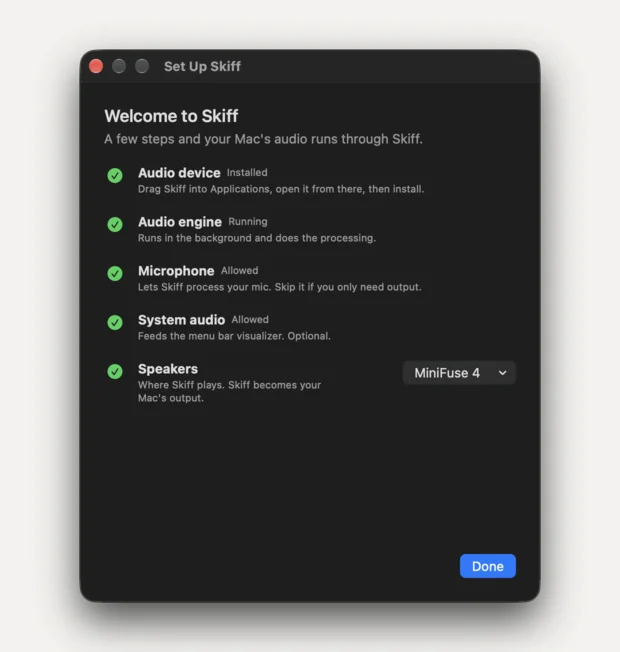
- Open the download and drag Skiff to Applications. The driver installer only runs from
/Applications/Skiff.app. - Open Skiff. It lives in the menu bar; there's no Dock icon.
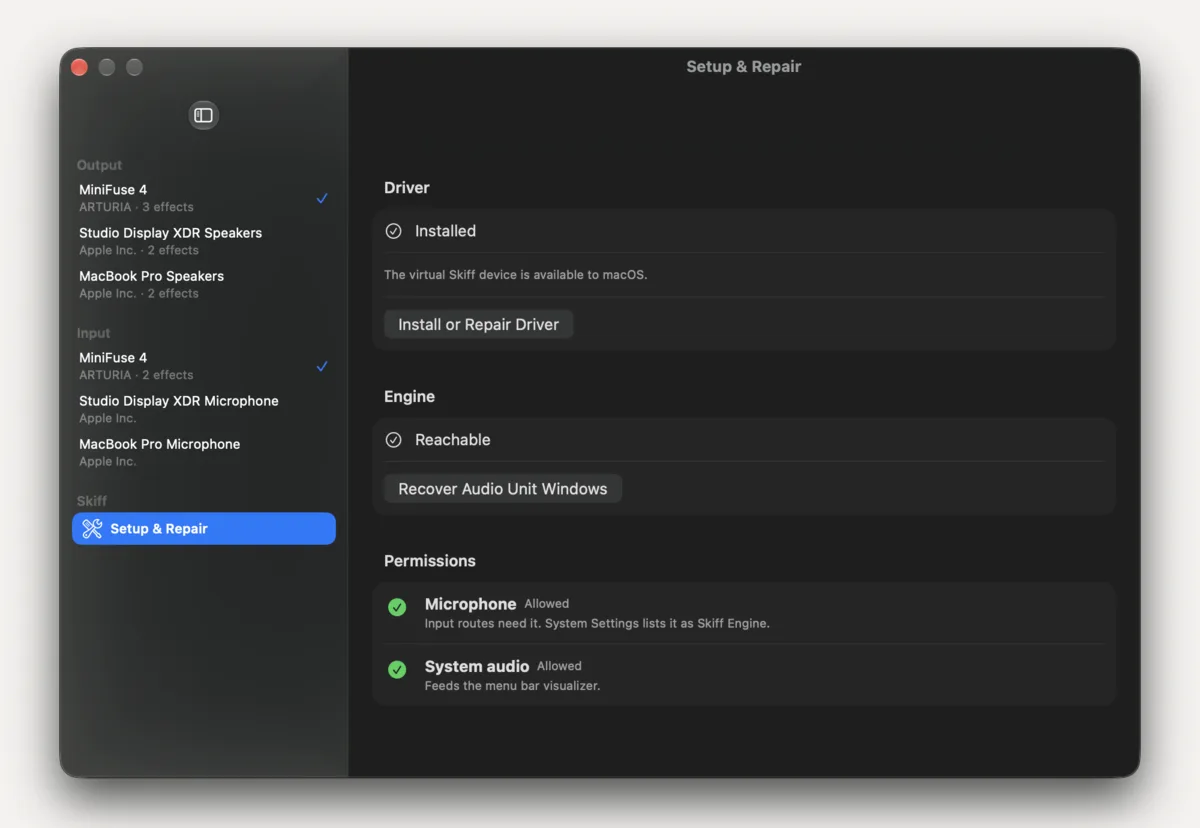
- Choose Settings…, go to Setup & Repair, and click Install or Repair Driver. macOS asks for your password.
- Pick your headphones or speakers under Output, click Add Audio Unit, then Apply.
Installing the driver restarts Core Audio, so every app's sound drops out for a second or two. Keep a physical output selected while you do it.
02Next
Start with Better headphones or Podcast voice. The Manual covers every button.
Related: Driver missing or broken · Trial and license
All support articles · admin@dws.rip