 Skiff
Podcast voice · Tips
Four chains for your mic, from three Apple plug-ins to a free broadcast setup. Every app that records from Skiff gets the result: Zoom, FaceTime, OBS, your DAW.
01Before you start
- Build the chain on your mic under Input. Audio flows top to bottom.
- Turn on Monitor in the toolbar to hear what the call hears. Headphones only, or it feeds back.
- Set your interface's gain so loud words sit high on Skiff's input meter without touching the top. No plug-in fixes a clipped mic.
- The order is always the same: clean, shape, control, catch.
02Simple · Apple only
AUHipass             Cutoff Frequency  80 Hz
AUDynamicsProcessor  Compression Threshold  −24 dB
                     Headroom      6 dB
                     Attack Time   0.005 s
                     Release Time  0.15 s
                     Master Gain   +6 dB
AUPeakLimiter        defaults
The high-pass drops desk thumps and air-conditioning rumble. The compressor pulls loud and quiet words together, and Master Gain makes up the level it took. The limiter catches laughs before they clip.
03Clean · Apple only, more
AUSoundIsolation     Wet/Dry Mix  80 %
AUHipass             80 Hz
AUNBandEQ            band 1: Parametric 250 Hz · −3 dB · 1 octave
                     band 2: Parametric 4 kHz  · +2 dB · 1.5 octaves
AUDynamicsProcessor  as above, plus
                     Expansion Threshold  −50 dB
                     Expansion Ratio      2
AUPeakLimiter        defaults
AUSoundIsolation is Apple's machine-learning voice isolation. It strips keyboards, fans and dogs. Below 100% it blends some of the room back, which sounds less like a phone.
The EQ cuts the boxy mud around 250 Hz and lifts the consonants around 4 kHz. AUNBandEQ's bands start bypassed: switch a band's Bypass off or its settings do nothing.
Expansion is a soft gate. Between sentences, when you drop below −50 dB, the room drops further.
04One knob each · free
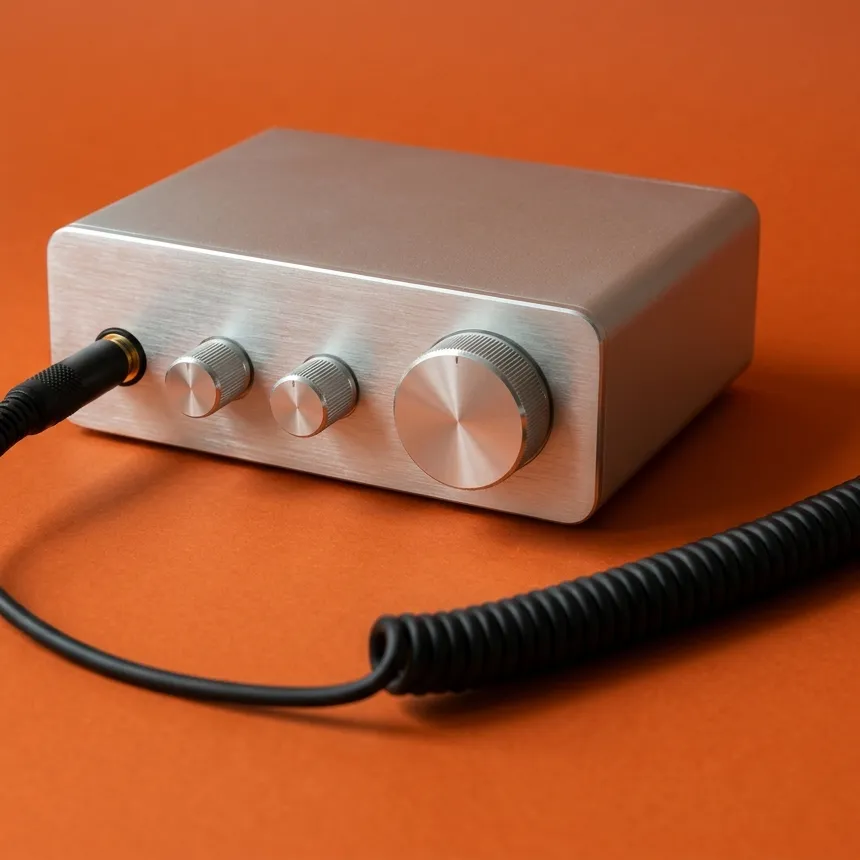
ViatorDSP's voice plug-ins are free and take one knob each.
Voice De-Noiser   noise
Voice Leveler     level
Voice Sweetener   tone
AUPeakLimiter     defaults
Turn each knob up until it's obviously too much, then back off a third.
05Broadcast · free
AUSoundIsolation          Wet/Dry Mix 70 %
AUHipass                  80 Hz
TDR Nova                  −3 dB bell at 250 Hz
                          +2 dB high shelf at 5 kHz
                          dynamic band at 6–8 kHz for "s"
TDR Kotelnikov            ratio 3:1, 3–6 dB of reduction
AUPeakLimiter             defaults
Youlean Loudness Meter 2  reads only, target −16 LUFS
TDR Nova does tone and sibilance. Its dynamic band only cuts when an "s" crosses the threshold, so the rest of your voice keeps its top end. TDR Kotelnikov does the levelling a radio processor would, gently enough that it doesn't pump.
Youlean Loudness Meter 2 shows loudness in LUFS, the unit podcast platforms normalize to. Apple Podcasts asks for −16. Read a paragraph and watch the short-term number.
All of it together adds a few milliseconds. The status line shows the total.
06Use it
- Click Save as Preset…, call it Podcast, and pick it from the menu bar before you record.
- Turn off the call app's own noise suppression and level control, or the two will fight. Calls and streams lists where.
- Mic on one side only? See Mic on one side.
Related: Calls and streams · Mic on one side · Apple's Audio Units · Third-party plug-ins
All support articles · admin@dws.rip