 Skiff
Mic on one side · Tips
Your voice is only in the left ear on calls and recordings. Your interface is stereo and the mic is on input 1.
01Why
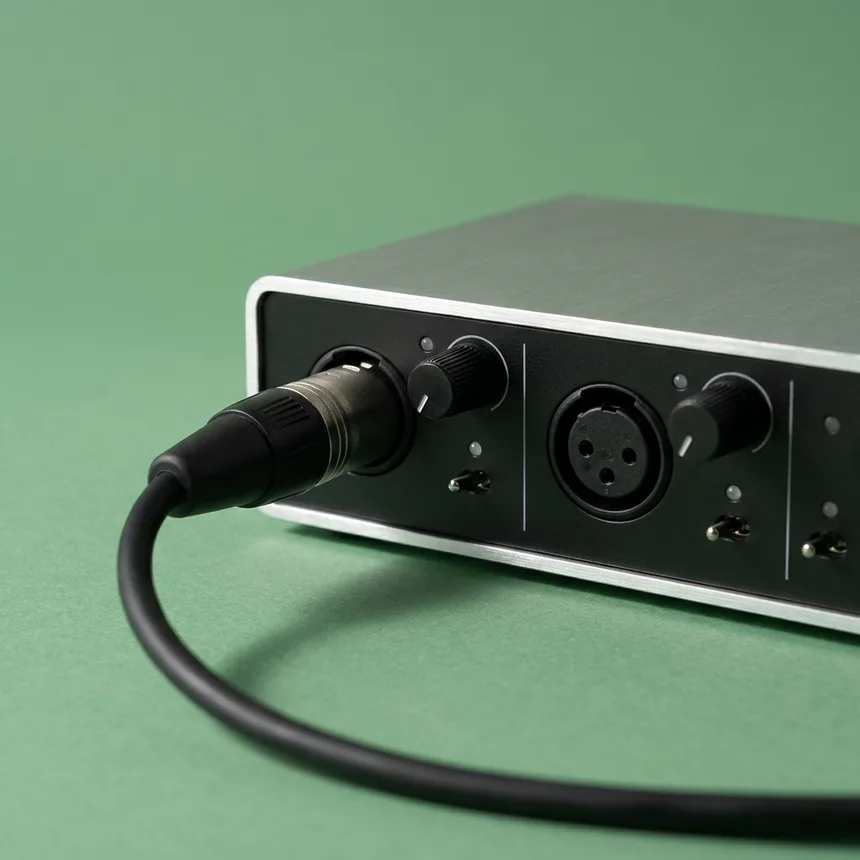
A mic that's its own device, like most USB mics, has one channel, and Skiff feeds it to both sides. An interface has two or more inputs, so macOS sees stereo: input 1 is left, input 2 is right. A mic on input 1 lands on the left only.
USB mic    1 ch ───▶ L + R        fine
interface  in 1 ───▶ L
           in 2 ───▶ R            voice left only
02Fix
- Install Airwindows' plug-ins. They're free, and the Mac download is signed for Apple silicon and Intel.
- On your mic, click Add Audio Unit and add LeftoMono, or RightoMono if the mic is on input 2. In Airwindows Consolidated, pick it from the plug-in's own menu.
- Drag it to the top of the chain and click Apply.
It copies one side to both, bit for bit, and drops the other input. At the top, every stage after it hears your voice on both sides.
Related: Podcast voice · Calls and streams
All support articles · admin@dws.rip