 Skiff
Skiff runs Audio Unit plug-ins on everything your Mac plays and everything its mic hears.
Pick the modules, patch them in order, and every device keeps its own chain. It lives in the menu bar, on macOS 14 or later.
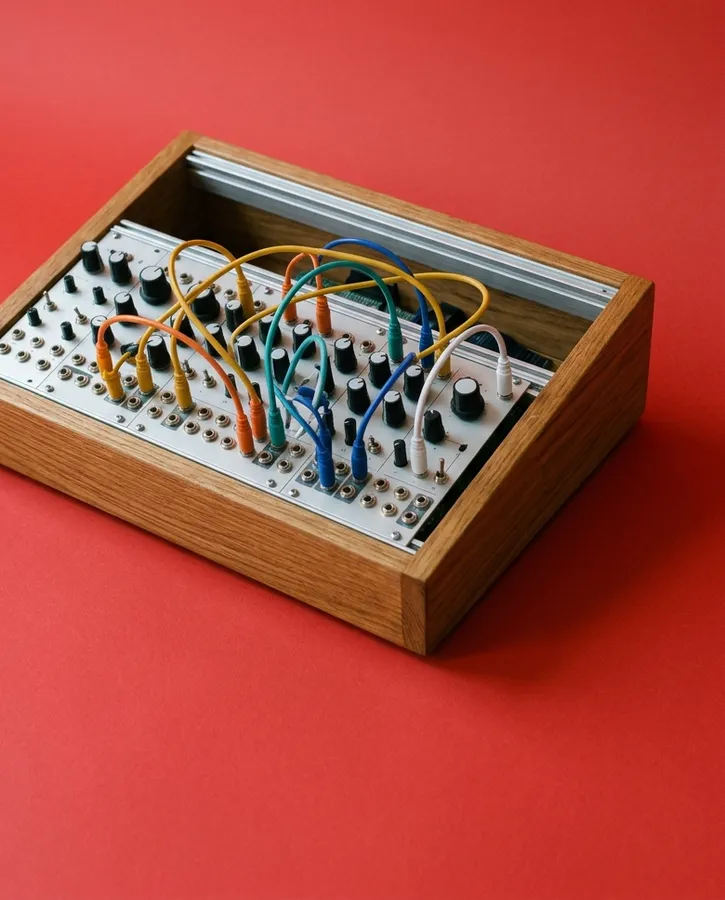
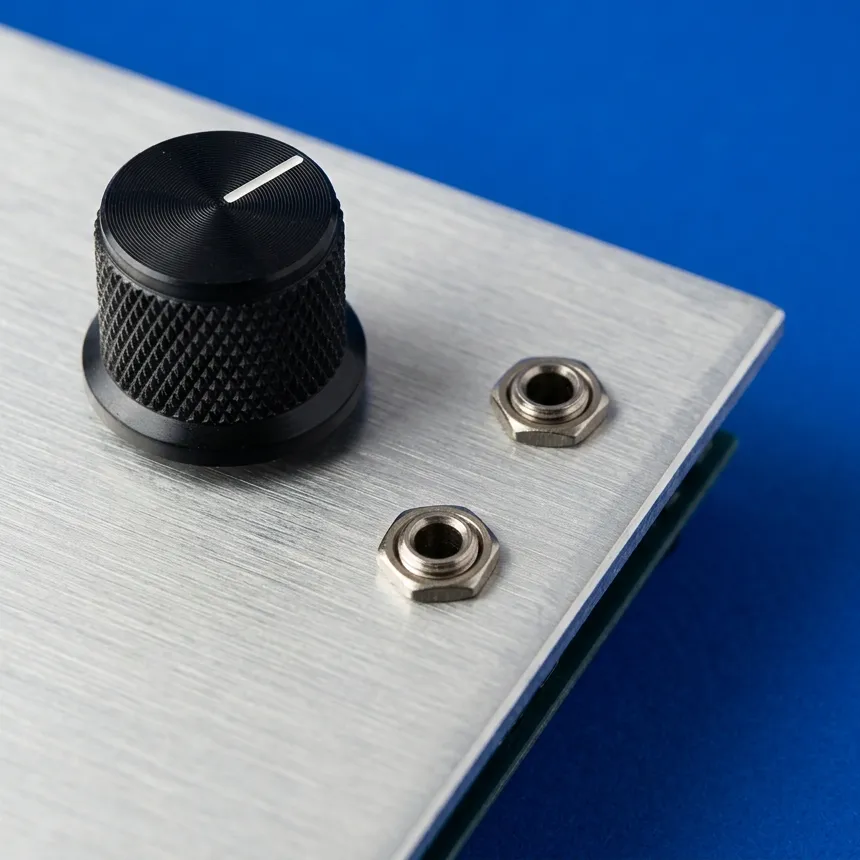
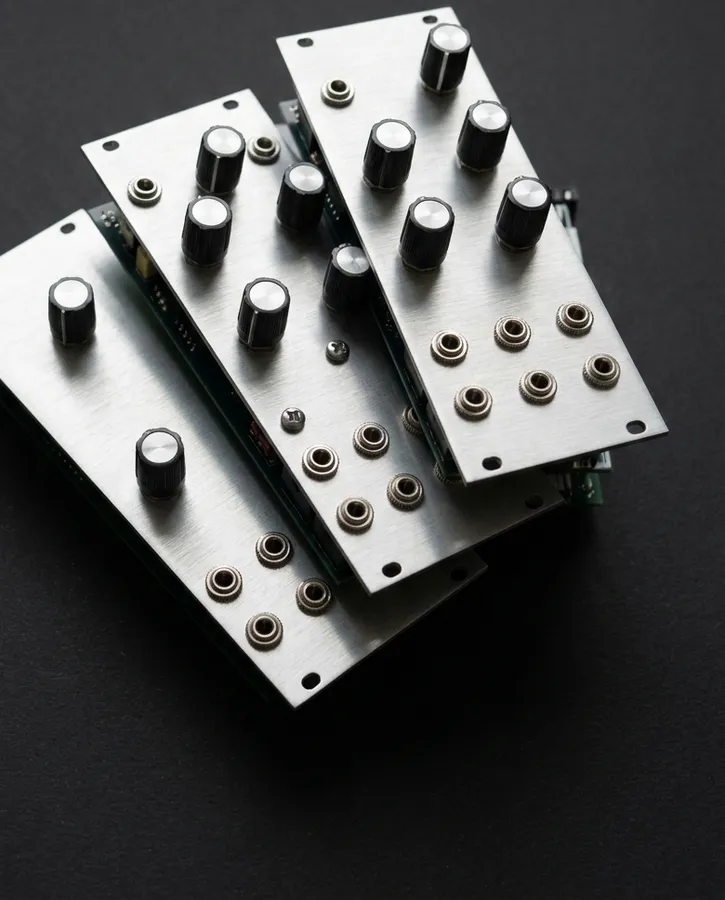
Named after the little Eurorack case  you carry to a gig.
01What's in it
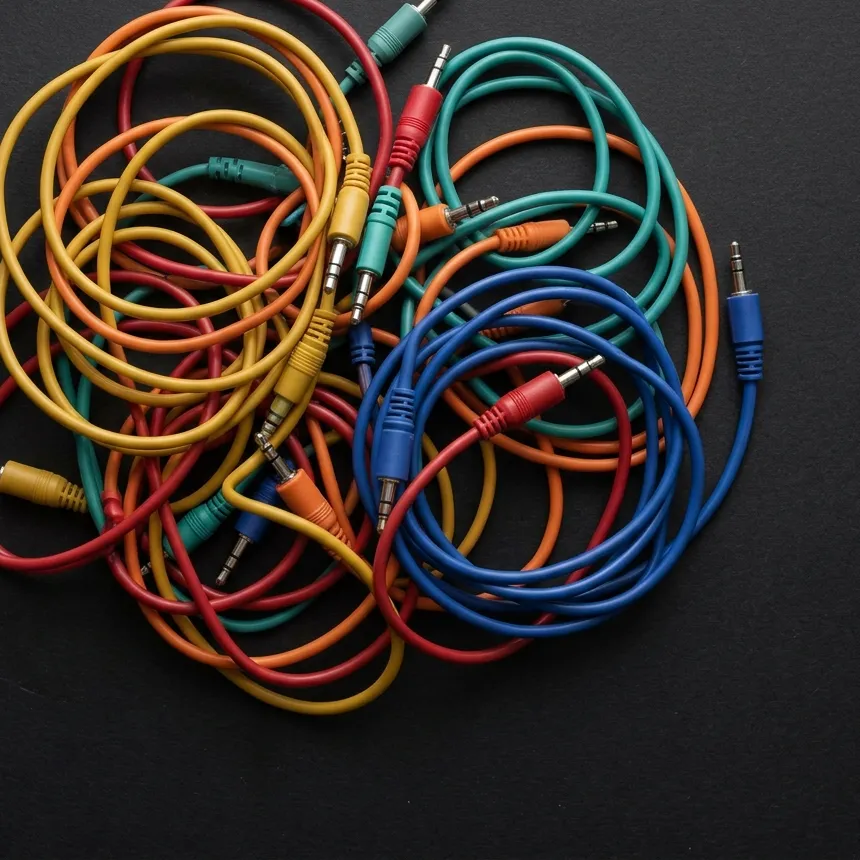
03Every device gets its own chain.
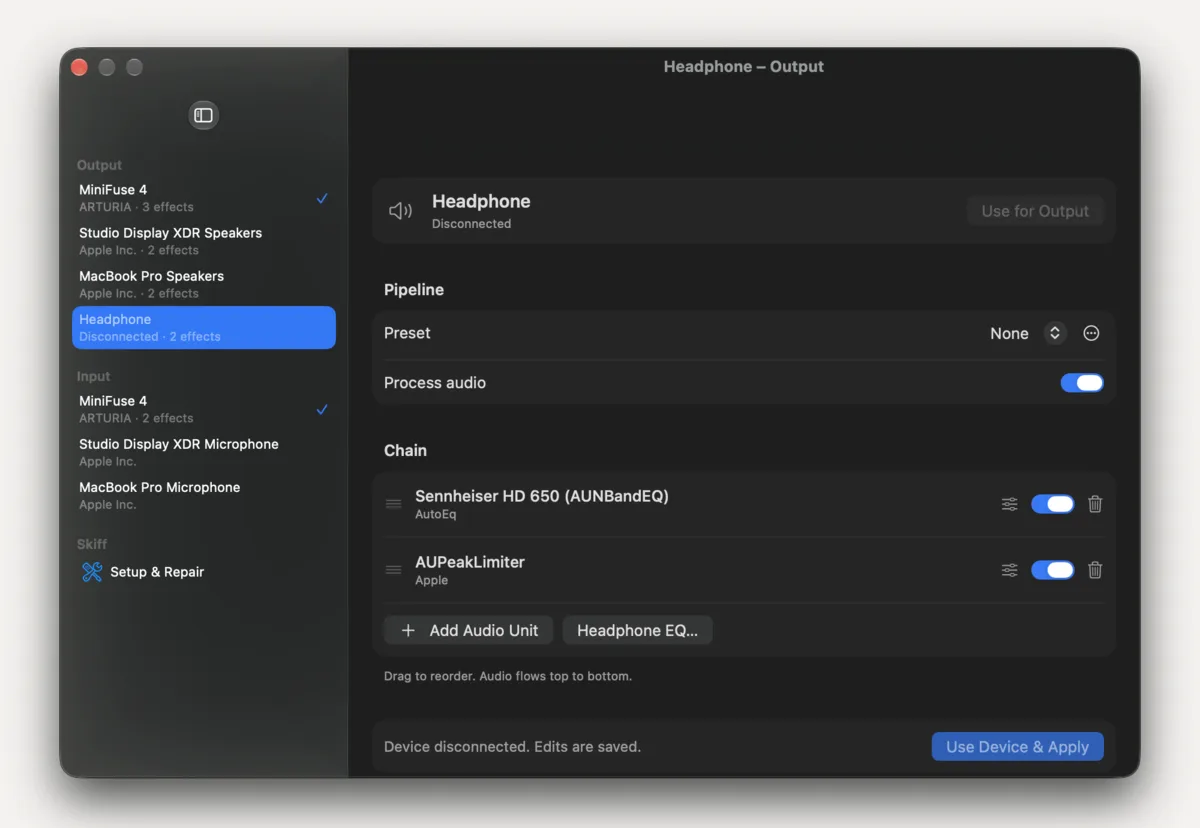
Chains are keyed to the hardware, so they follow your headphones across reconnects and default-device changes. Plug them in and their chain is back. Switch to the speakers and theirs takes over.
Unplug something and its chain stays listed and editable: Disconnected · 2 effects
04Pick your headphones. Get their EQ.
Sennheiser HD 800 S
oratory1990 · over-ear
→ one AUNBandEQ stage
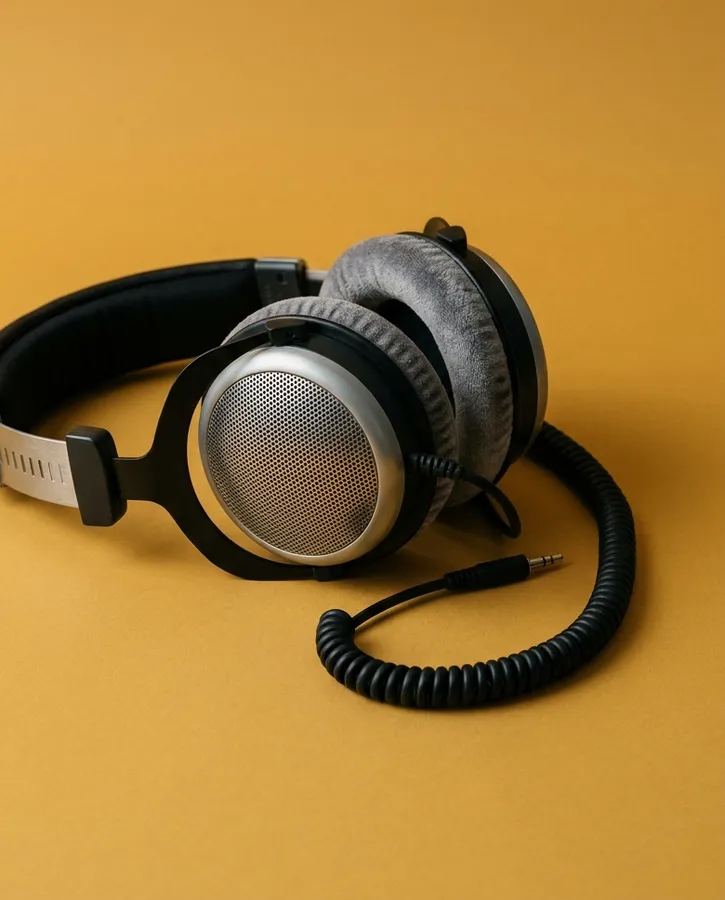
Headphone EQ searches AutoEq's recommended profiles, or imports a ParametricEQ.txt you already have. The profile lands as one AUNBandEQ stage with its preamp, peaks and shelves, and the rest of the chain stays put.
- Search for your model.
- Add EQ.
- Apply, and save it as a preset.
05Atmos, all sixteen channels. NEW
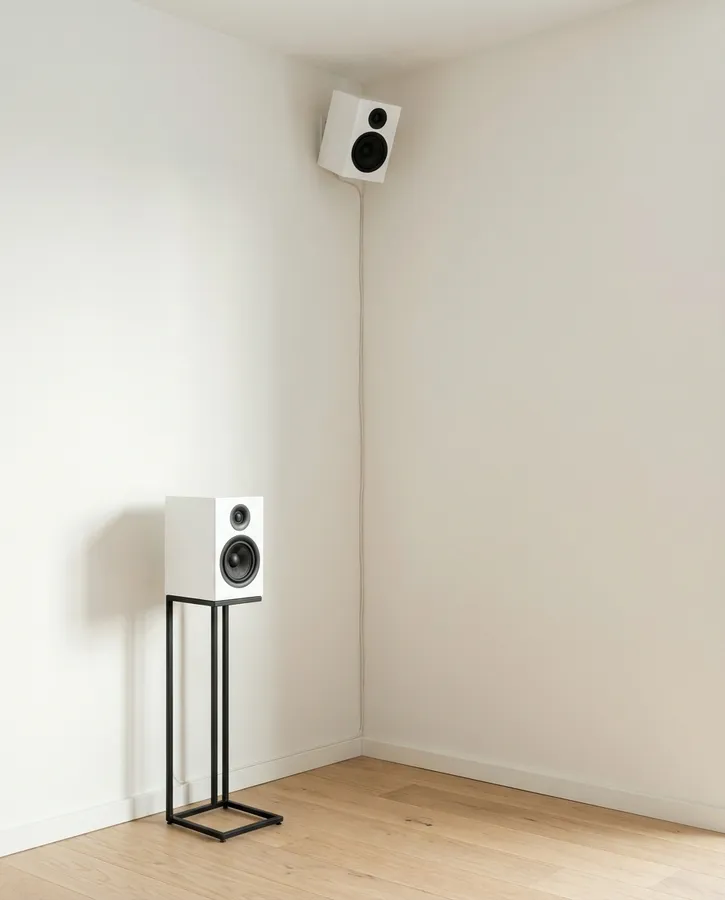
Skiff's device speaks every layout from mono to 7.1.4 and 9.1.6, in Core Audio's own channel order. Play Atmos in Music or the TV app, macOS renders it to Skiff, and every channel reaches the speaker with the same label, through your chain, heights included.
Fewer speakers than the mix? Heights fold into the speakers below them, rears into the sides, wides into the fronts. The LFE never folds; on headphones it would only clip.
Pick an output and Skiff takes on its speaker layout: Studio Display speakers turn the route into 9.1.6 · out: 16ch → 8ch. For your own rig, set it in Audio MIDI Setup → Configure Speakers. Every layout and fold →
BedHeightLFE
06Or leave the samples alone.
44.1 · 48 · 88.2 · 96 · 176.4 · 192 kHz
Skiff runs at the rate you give it in Audio MIDI Setup. Pick your DAC and Skiff switches it to the same rate, so nothing resamples.
Switch every plug-in off and the route says so:
Active · 0 ms · 48 kHz · Stereo · Bit-perfect
No plug-ins running, every channel landing 1:1, matching rates. The test suite checks it sample for sample.
Hardware that can't switch, like 44.1 kHz Bluetooth headphones, gets converted by Core Audio.
07The mic gets a chain too.
Put a compressor, a preamp and an EQ on your microphone, from any vendor, and every app that records hears the processed signal: Zoom, FaceTime, OBS, Voice Memos.
Monitor plays your mic back through your output after the chain, so you hear what they hear.
Input processing needs a mic running at Skiff's rate. A mono mic feeds both channels.
08Six bars of whatever's playing.
The menu-bar icon doubles as a spectrum, measured from the physical output, bypassed playback included. Turn on Show input and the mic mirrors beside it.
Themes: Rainbow Aurora Ocean Solarized Gruvbox one colour Album Art, which takes its colours from the cover of what's playing.
Needs macOS 14.2 and permission to capture system audio. The audio is analysed in memory and never saved.
09Edit freely, apply when ready.
- Any effect Audio Unit macOS can load, grouped by vendor, with search.
- Drag stages to reorder. Each has an editor, an on/off switch and remove.
- Edits save as you make them and leave live audio alone until you click Apply.
- Presets: named snapshots per device and direction, plug-in settings and bypass included, one click away in the menu bar.
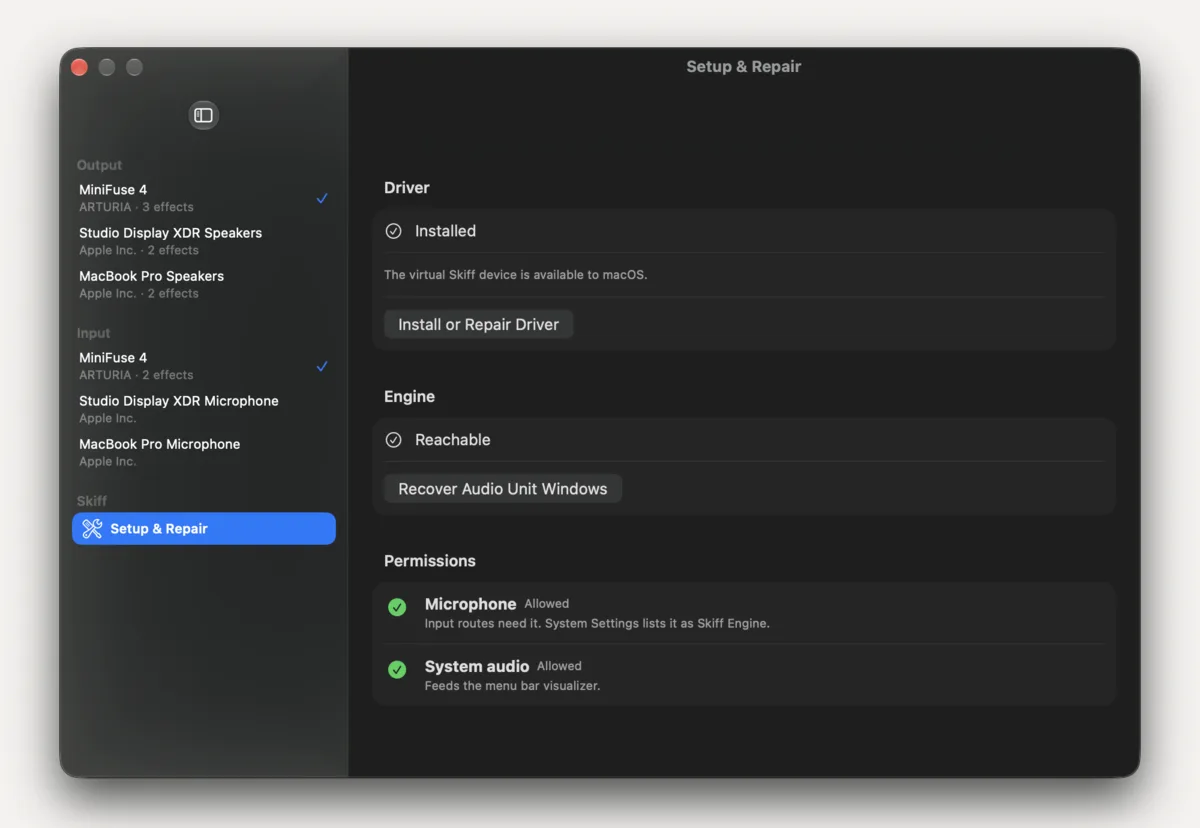
10Setup checks itself. NEW
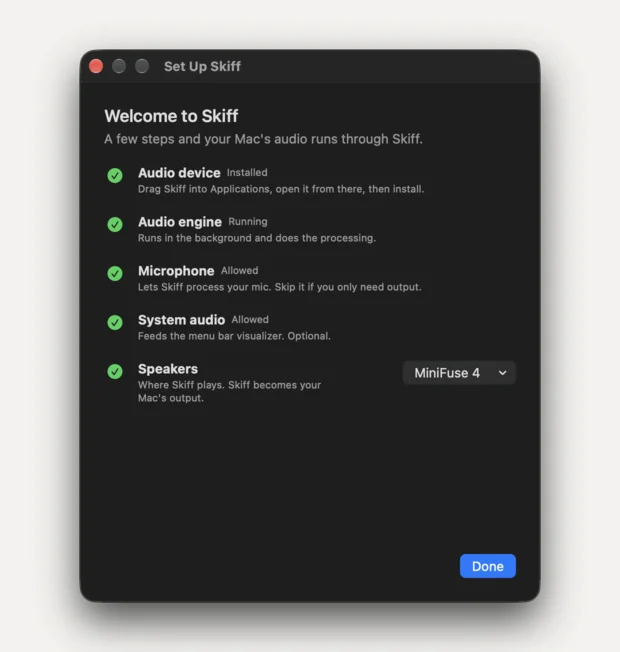
The first launch opens one window with five checks: the audio device, the engine, the microphone, system audio, and which speakers to use. Everything that needs an answer gets one button.
Later, Settings → Setup & Repair shows the same checks and fixes the driver with one admin prompt.
11Three parts, one job each.
Skiff.app       menu bar, editor
  │
  │  XPC
  ▼
Skiff Engine    hardware I/O, Audio Units
  ▲
  │  shared-memory rings
  ▼
Skiff.driver    the device macOS sees
The app is only the editor. A background engine owns the hardware and runs the plug-ins, and an AudioServerPlugIn publishes the device macOS plays into. The render path never waits on anything; if the engine goes away, the driver plays silence.
Float32, non-interleaved, 44.1 to 192 kHz, up to 16 channels.
12Try all of it, twenty minutes at a time.
The download is the trial and the full app. Everything works. After 20 minutes Skiff mixes noise into processed audio; relaunch to reset the clock. A license key takes the noise away for good.
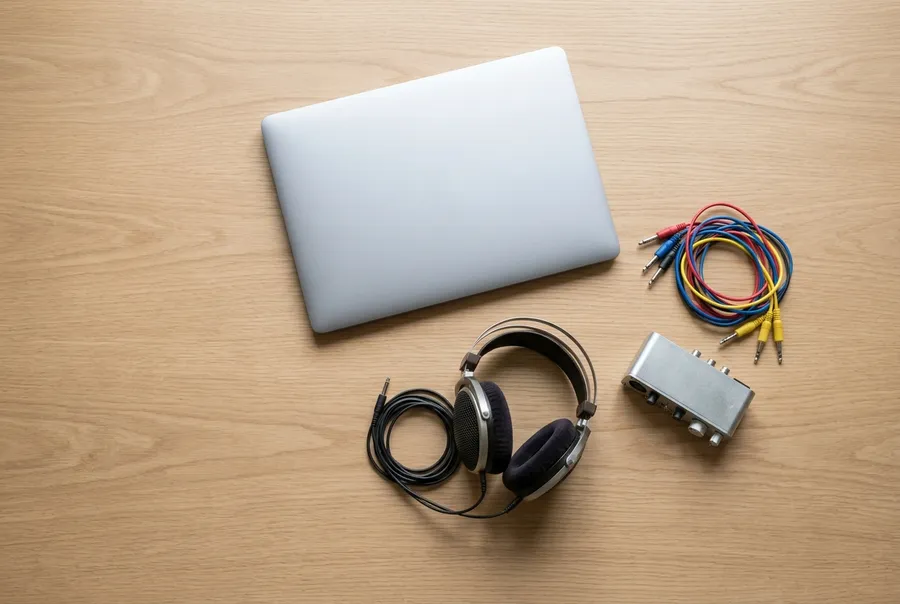
One price, every future update included, no subscription.
- runs on
- macOS 14 Sonoma or later, Apple silicon or Intel
- installs
- an audio driver, with one admin prompt
- formats
- mono to 9.1.6, 44.1 to 192 kHz
- plug-ins
- Audio Unit effects, Apple's and yours
- visualizer
- macOS 14.2 or later
- network
- only for AutoEq search
 $9.99
once