 Skiff
Better headphones · Tips
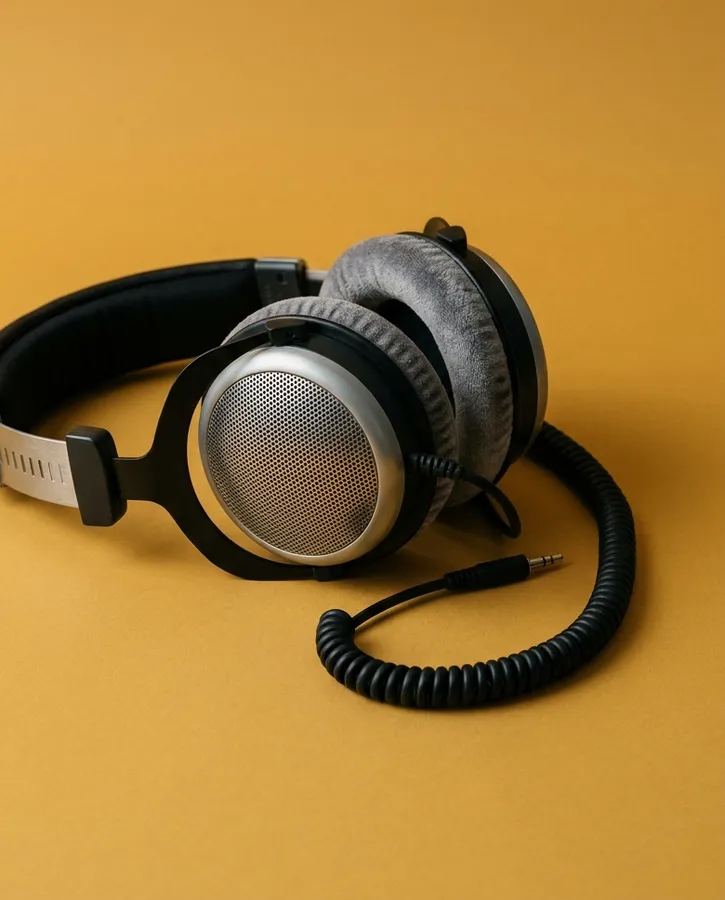
Almost no headphones are flat. AutoEq has measured thousands of them, and Skiff turns a measurement into an EQ in one click.
01Simple: AutoEq
- Open Settings and pick your headphones under Output.
- Click Headphone EQ… and search for the model.
- Pick a profile, click Add EQ, turn on Process audio, then Apply.
The profile becomes one AUNBandEQ stage: a negative preamp, then peak and shelf filters. The preamp is there so the boosts don't clip. Leave it.
Flip the Output switch off and on to compare. Off is the headphones as they were built.
02To taste
AutoEq aims at the Harman target, the curve most listeners prefer. Most isn't you. After the EQ:
more bass     AULowShelfFilter   105 Hz · +3 dB
less sparkle  AUHighShelfFilter  10 kHz · −2 dB
catch clips   AUPeakLimiter      last, defaults
Every dB you boost needs a dB of headroom. The limiter makes that someone else's problem.
03Crossfeed
On headphones, a guitar panned hard left is only in your left ear, which no room has ever done. Crossfeed bleeds a little of each side into the other, the way speakers do, and long listens get less tiring.
Free: Monitoring, in Airwindows' collection. Put it last and set it to Cans A. B is stronger; past that it gets odd.
04One preset per pair
Click Save as Preset… and name it after the headphones. Bluetooth pairs are each their own device, so their chains follow them on their own. Wired headphones share one jack, so swap them with presets from the menu bar.
Related: Bluetooth and AirPods · Apple's Audio Units · Third-party plug-ins
All support articles · admin@dws.rip