 Skiff
Bluetooth and AirPods · Reference
Bluetooth headphones work like any other output. Three things differ: the rate, the latency, and what happens when you use their mic.
01The microphone trap
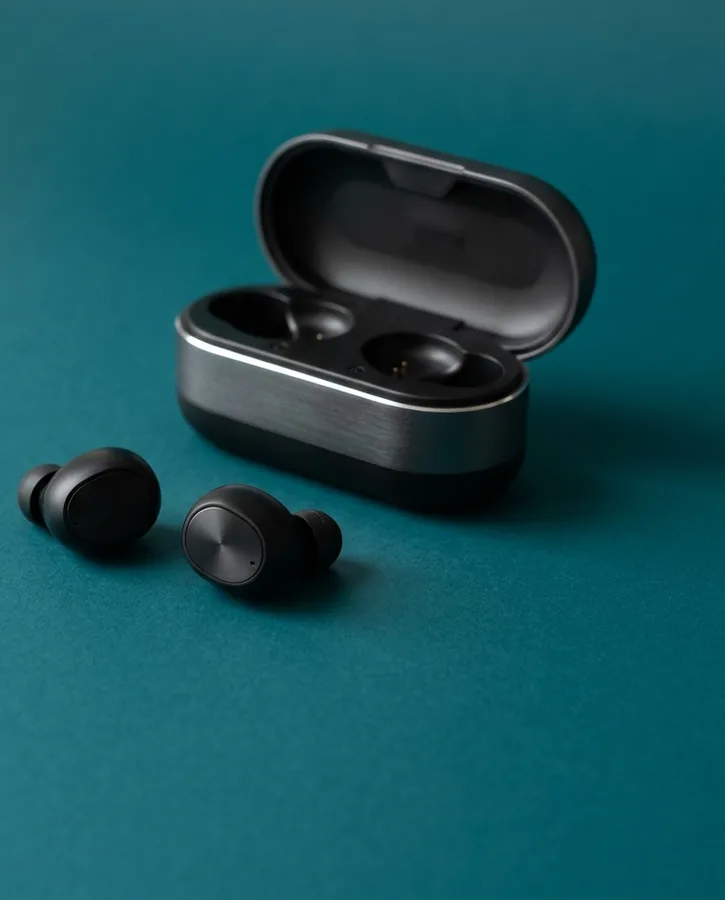
Using a Bluetooth headset's mic switches it to a call mode that carries both directions at phone quality. If Skiff's input is your AirPods, your music sounds like a phone call too.
Pick another mic under Input: the Mac's own, or a USB mic. The headphones stay in high quality.
02Sample rate
Bluetooth headphones run at one fixed rate, usually 44.1 or 48 kHz. Skiff can't switch them to its rate, so Core Audio converts, and the route never reads Bit-perfect. To skip the conversion, set Skiff to the headphones' rate in Audio MIDI Setup.
03Latency
Bluetooth adds well over 100 ms on its own, more than any chain. Fine for music; poor for Monitor. Use wired headphones when you need to hear yourself. Latency has the rest.
04Spatial Audio and reconnects
Head-tracked Spatial Audio is macOS's AirPods feature. Through Skiff, headphones get the stereo render macOS makes for them.
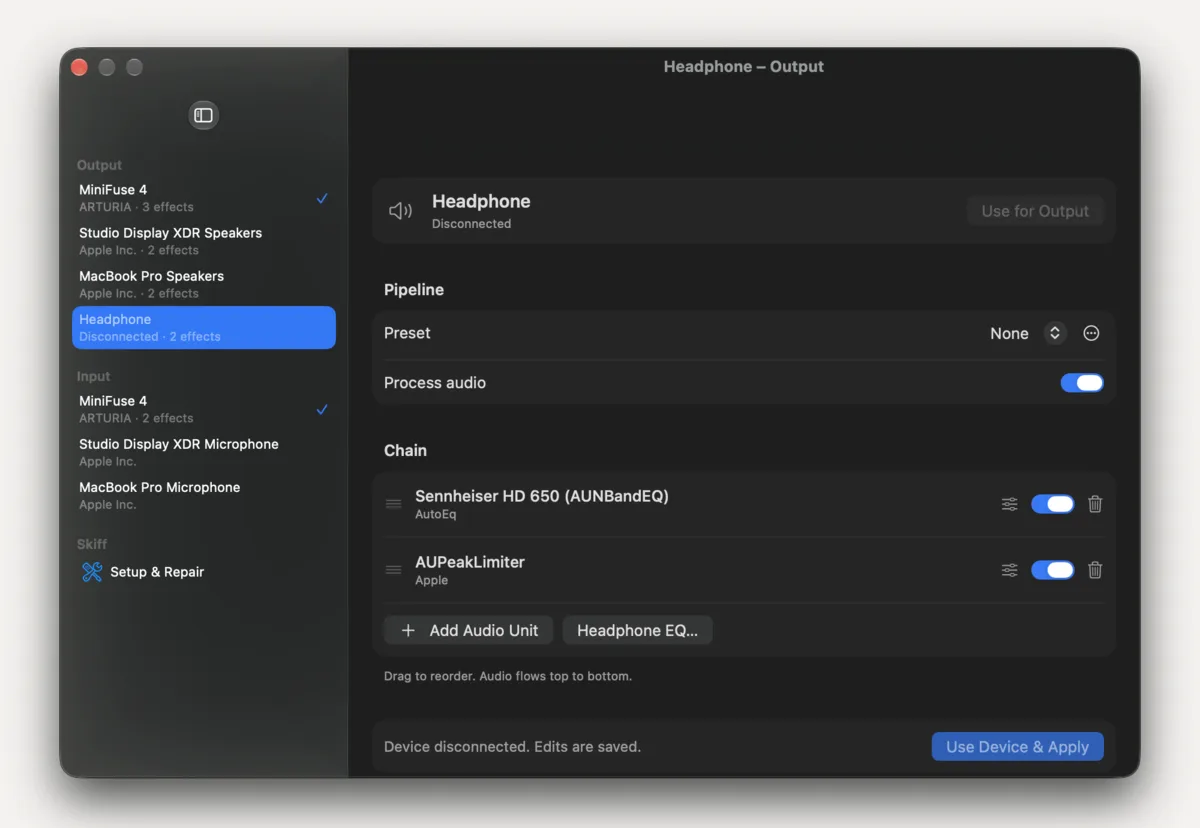
Each pair is its own device, and its chain follows it across reconnects. While it's away, the route reads Unavailable and Skiff keeps the last safe route.
Related: Better headphones · Latency · Calls and streams
All support articles · admin@dws.rip