 Skiff
Latency · Reference
Latency is the gap between a sound being made and you hearing it. Skiff adds a little; plug-ins and Bluetooth can add a lot more.
01Where it comes from
app ─▶ Skiff device ─▶ engine ─▶ chain ─▶ hardware ─▶ ears
       └──── hop ──────────┘      └ plug-ins ┘ └ buffer, radio ┘
| Source | Adds |
|---|---|
| Skiff's hop | About one hardware buffer |
| Most EQs and filters | 0 ms |
| AUPeakLimiter | 2 ms |
| AUDynamicsProcessor, AUMultibandCompressor | 6 ms |
| Lookahead and noise removal | Tens of ms |
| Bluetooth headphones | Often over 150 ms |
02Reading it
The time in the status line, as in Active · 2 ms · 48 kHz, is what your plug-ins report together. Switched-off stages don't count; they don't run.
03When it matters
- Music and video: nobody hears a few milliseconds, and lip sync holds up to about 20.
- Calls: a few milliseconds is nothing next to the network.
- Hearing yourself: Monitor adds the mic's latency to the output's. On wired headphones it's fine; on Bluetooth you'll hear an echo of yourself.
- Playing an instrument: use your interface's direct monitoring. Skiff is for listening and talking, not tracking.
04Lowering it
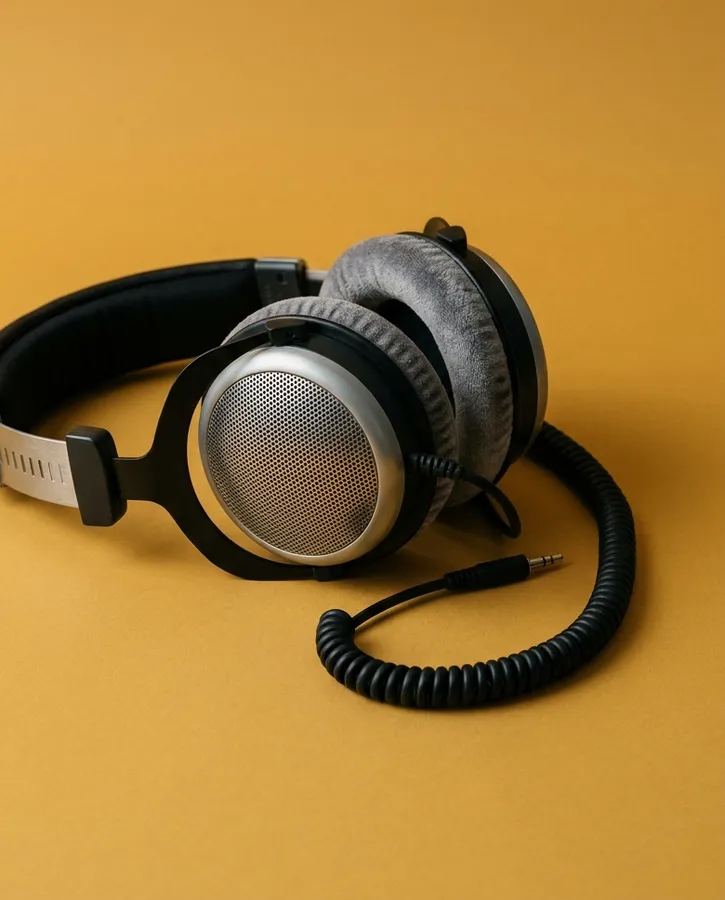
- Use wired headphones instead of Bluetooth. That's the big one.
- Switch off stages you don't need.
- Run at a higher rate. A buffer is a fixed number of samples, so at 96 kHz it lasts half as long as at 48.
Related: Bluetooth and AirPods · Third-party plug-ins
All support articles · admin@dws.rip